

Verbex VT-WCS2 Restaurant Queue Pager Price In Bangladesh
How the System Works:
- Customer Takes a Number Ticket:
- Upon arrival, customers go to the service station and take a numbered ticket printed by a thermal printer.
- The ticket displays their queue number and may include additional information like estimated wait time or service type.
- Customer Waits for Service:
- Customers wait in the designated waiting area until their number is called.
- The system ensures a fair and organized queue, reducing confusion and frustration.
- Counter Worker Calls the Customer:
- When it’s the customer’s turn, the counter worker presses the corresponding number on the keypad transmitter.
- The system then announces the customer’s number and the counter number they should proceed to.
- Display Screen Updates:
- The customer’s number and the counter number are displayed on a digital display screen.
- This visual cue helps customers easily identify where they need to go.
- Voice Announcement:
- The system includes a voice reporting feature that audibly calls out the customer’s number and the counter number.
- This is especially helpful in noisy environments or for customers who may not be able to see the display screen clearly.
Key Features:
- Thermal Printer: Prints queue tickets quickly and quietly, ensuring a smooth start to the queuing process.
- Keypad Transmitter: Allows staff to call customers efficiently by entering their queue number.
- Digital Display Screen: Shows the current customer number and counter number for easy reference.
- Voice Reporting: Provides audible announcements to guide customers to the correct counter.
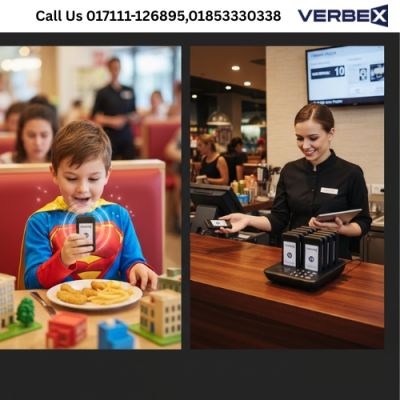
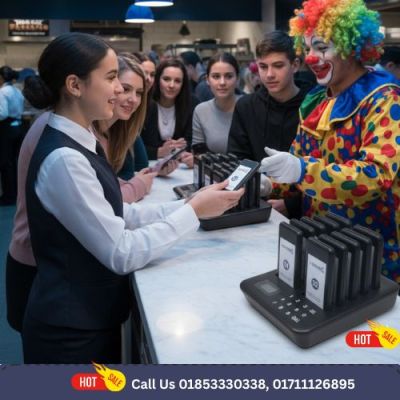
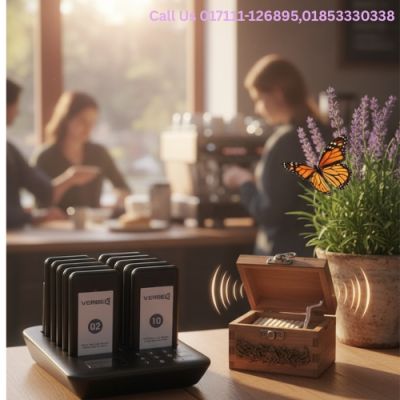
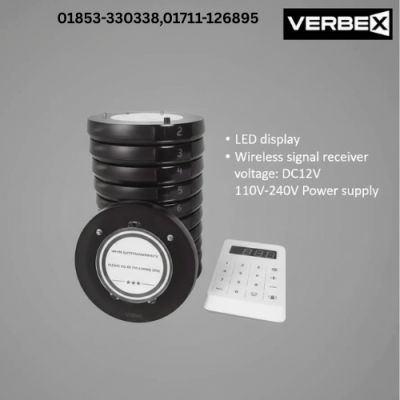
- Pager System (Optional): In settings like restaurants or nursing homes, wireless pagers can be provided to customers, alerting them when their turn arrives.
- Customizable Settings: The system can be tailored to suit the specific needs of different environments (e.g., multiple service types, priority queues).
- Efficient Queue Management: Reduces wait times, improves customer satisfaction, and enhances operational efficiency.
Applications:
- Restaurants:
- Manage dine-in queues and notify customers when their table is ready.
- Use pagers to allow customers to wait comfortably without standing in line.
- Banks:
- Streamline customer service by directing them to the appropriate counter (e.g., deposits, loans, inquiries).
- Hospitals and Clinics:
- Organize patient queues for registration, consultations, or pharmacy services.
- Ensure patients are called in an orderly manner, reducing congestion.
- Nursing Homes:
- Assist staff in managing resident requests or service calls efficiently.
- Service Centers:
- Improve customer experience by minimizing wait times and providing clear instructions.
Benefits:
- Improved Customer Experience: Reduces confusion and wait times, leading to higher customer satisfaction.
- Enhanced Efficiency: Streamlines operations and allows staff to focus on delivering quality service.
- Professional Image: Projects a modern and organized image for your business or facility.
- Scalability: Can be adapted for small or large establishments with multiple counters or service points.